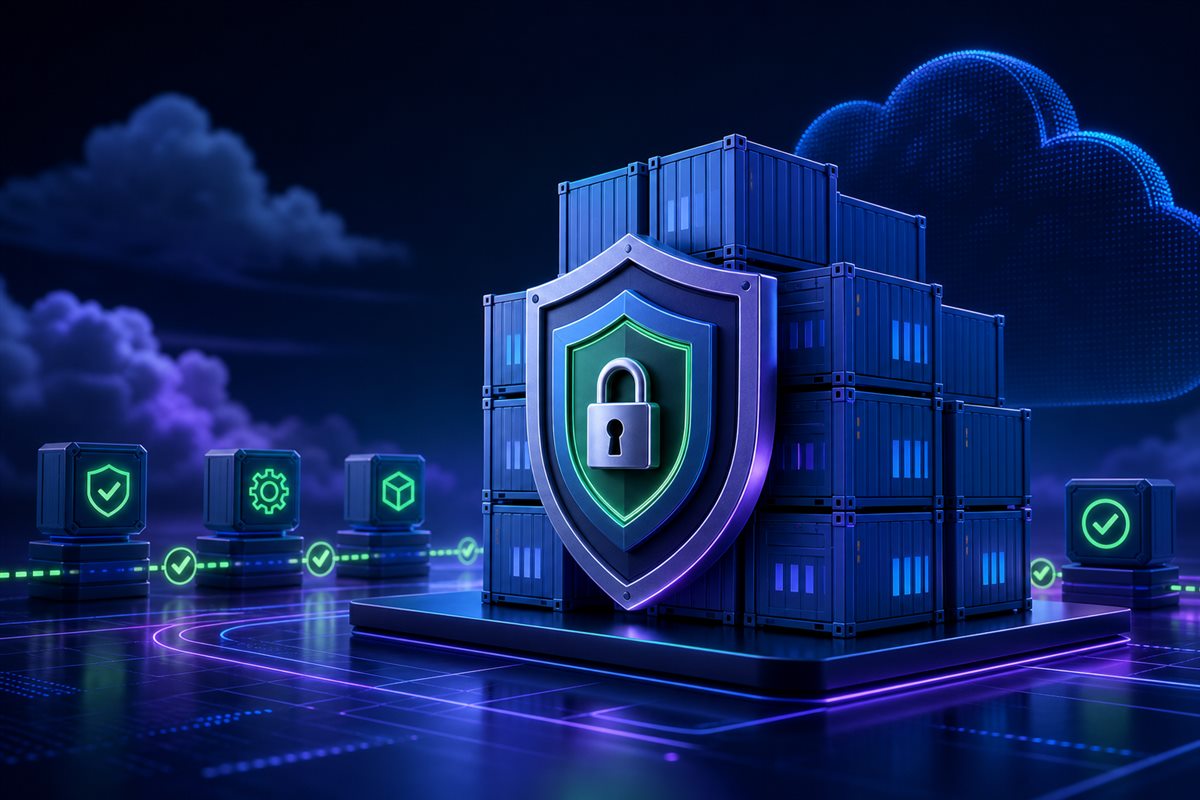
Production Container Security: From Image to Runtime
Container isolation is not the entire security boundary. A large image with vulnerable packages, a process running as root, or credentials embedded in an image layer creates serious production risk. A secure approach combines controls from build and registry stages through deployment configuration and runtime policy.
Reduce the image surface
A multi-stage build copies only runtime output into the final image. Package managers, compilers, and source code stay outside production. Deploying by digest rather than a mutable tag identifies the exact binary. Base images still need regular updates, but every update should pass through testing, scanning, and signing.
A safer .NET container
This Dockerfile compiles in a separate stage and runs the final application as an unprivileged user. Port 8080 does not require root privileges.
FROM mcr.microsoft.com/dotnet/sdk:8.0 AS build
WORKDIR /src
COPY . .
RUN dotnet publish Blog.Web -c Release -o /app --no-restore

FROM mcr.microsoft.com/dotnet/aspnet:8.0 AS runtime
WORKDIR /app
RUN adduser --disabled-password --home /app appuser
COPY --from=build --chown=appuser:appuser /app .
USER appuser
ENV ASPNETCORE_URLS=http://+:8080
EXPOSE 8080
ENTRYPOINT ["dotnet", "Blog.Web.dll"]
Connection strings and API keys must not live in the Dockerfile, an environment file committed to source, or an image layer. Use the deployment platform's secret store and load values at runtime. Mount the filesystem read-only where possible and provide explicit volumes only for directories that genuinely need writes.
Release checklist
- Run the final image on a minimal runtime base as a non-root user.
- Scan for CVEs and block releases containing critical unresolved findings.
- Generate an SBOM, sign the image, and verify the signature during deployment.
- Keep secrets outside the image and rotate them regularly.
- Declare CPU, memory, read-only filesystem, and Linux capability restrictions.
Common mistakes
- Deploying the mutable latest tag and losing certainty about the running version.
- Running as root with unnecessary Linux capabilities enabled.
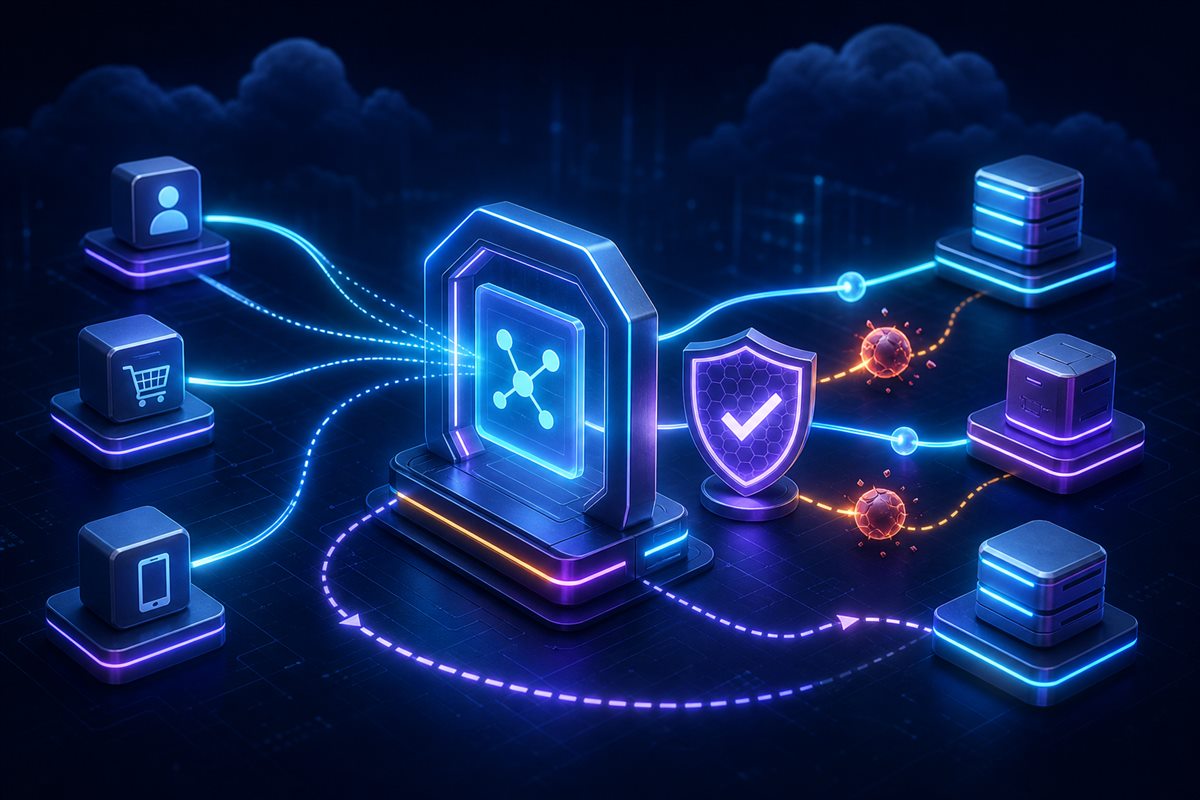
- Relying only on image scanning while ignoring runtime network and permission policies.
Conclusion
Container security comes from small verifiable layers rather than one scanner. Minimal images reduce attack surface, non-root execution reduces impact, and secret stores reduce accidental exposure. Signing and SBOMs make the deployed artifact traceable. These controls should be mandatory automated stages in the delivery pipeline.

0 Yorumlar